
Everyday use
Using things up, restocking, moving things around, and checking they're still there.
Using some, or restocking
Anyone in the household can do this, viewers included.
- Open the item and tap Adjust Quantity.
- Choose Add Stock or Remove Stock.
- Set the Amount, add a Reason if you like ("used on the Smith job"), and tap save.
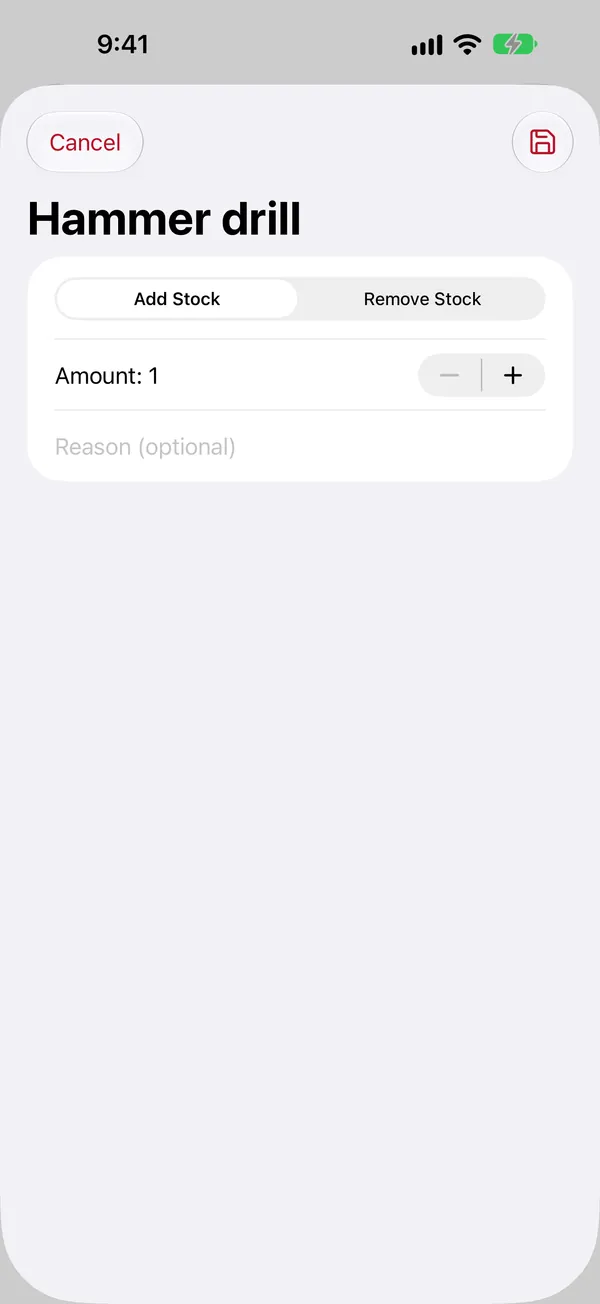
Every change is recorded with who made it and when; admins can see them all in the Activity Log. From a low-stock notification, Restock… opens this screen directly. On the Apple Watch, − and + do the same one at a time.
Moving an item
Admins only.
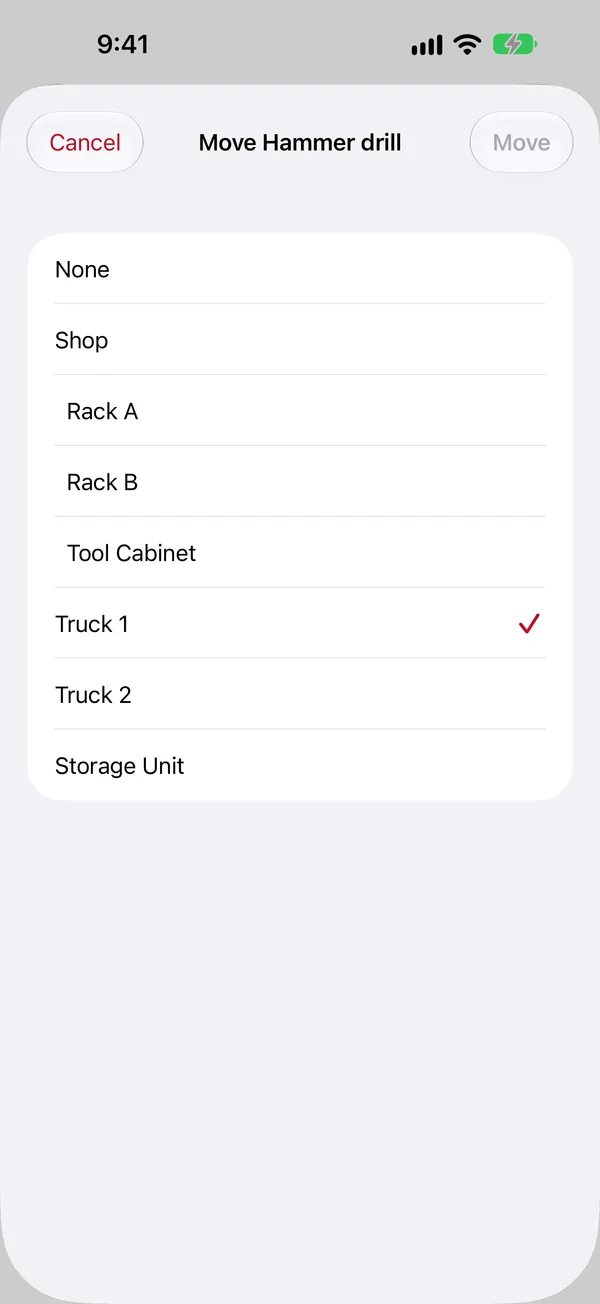
- Open the item and tap Move to Another Location (near the bottom).
- Pick the new location and tap Move.
Moving several at once
- Open the location they're in, tap … › Select Items.
- Tap each item to tick it, or tap Select All.
- Tap Move to… at the bottom and pick the new location.
Either they all move or none do, so nothing ends up half-moved if the connection drops.
Marking items as seen
"Last seen" answers the question "is it really still there?". Walking the racks or doing a stock check, open an item and tap Mark as Seen, or do a whole shelf at once: on the location, … › Select Items, tick what you can see, then tap Mark Seen. Changing an item's quantity counts as seeing it too.
Lists show "Seen 3 days ago" or "Not checked" under each item, and All Items can be sorted by Last Seen to find what nobody has looked at in a while.